
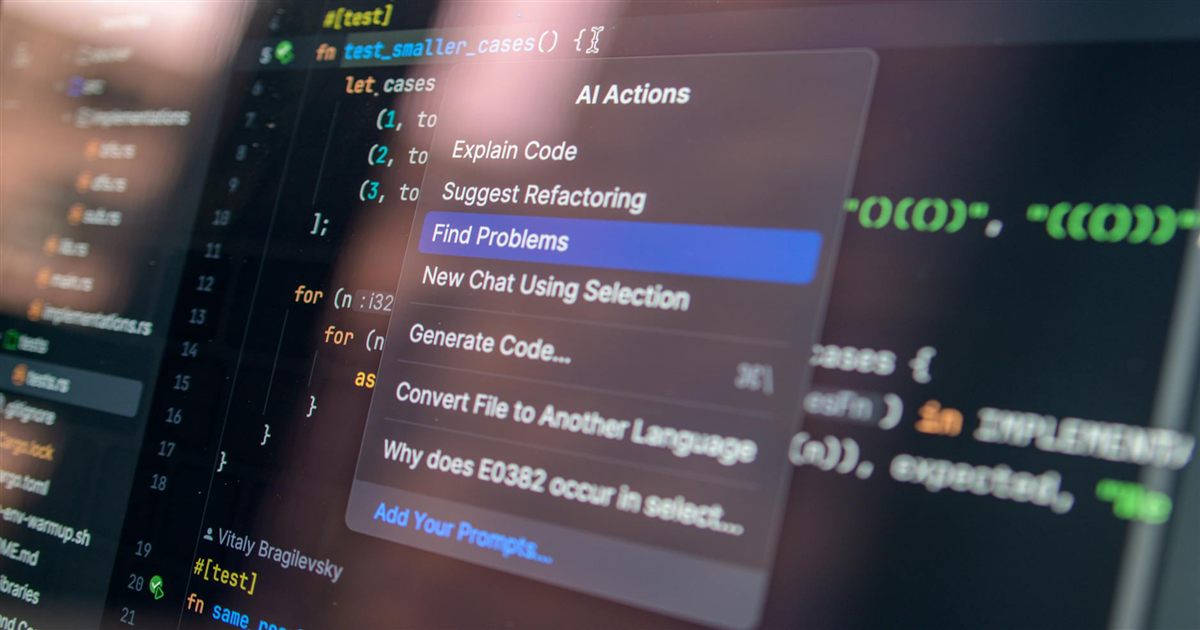

I use local AI agents to write WordPress plugin code. I describe what I need in natural language, the agent generates the implementation, and I review and approve the output. My role has shifted from writing every line of code to directing an automated process that handles the heavy lifting.
This is the workflow I settled on after months of experimentation with local language models. I describe the plugin feature in a paragraph — “create a custom Gutenberg block that displays the latest products with a filterable category dropdown” — and the agent generates the PHP registration file, the JavaScript block implementation, the CSS styles, and the necessary WordPress hooks. I review the complete output, test it in a staging environment, and either approve it or send it back with specific corrections. The agent handles the repetitive structural work. I handle the decisions that require judgment.
How the Workflow Works
The entire setup runs on my local machine using local language models through Ollama and LM Studio. No API calls to third-party services, no subscription fees, no data leaving my computer. The agent has access to the WordPress plugin handbook and understands standard coding conventions — hooks, filters, template tags, the plugin API, the block registration process. I do not need to specify every detail because the agent already knows the WordPress patterns.
When I start a new plugin feature, I write a brief specification. Not a formal document — just a few sentences describing what the feature should do, which WordPress hooks it should use, and what the admin interface or frontend display should look like. I feed that to the agent, which generates the initial code structure. Then the cycle begins: I review the output, request specific changes, review again, and approve for deployment. Each cycle takes minutes instead of the hours it would take me to write the implementation from scratch.
The agent also handles debugging. When a function is not working as expected, I paste the error message and the relevant code block into the conversation. The agent analyzes the issue and proposes a fix. It often spots problems I would overlook — a missing return statement, an incorrect hook priority, a variable name that conflicts with a WordPress global, a database query that lacks proper sanitization. Having a second pair of eyes that never gets tired is genuinely useful.
The Plugins I Built This Way
The video gallery for WooCommerce product pages was the first major project. I told the agent: build a plugin that adds video support to the WooCommerce product gallery using Swiper.js, with an admin interface in the product edit screen for uploading or linking videos. The agent generated the Swiper integration, the media attachment handling, the product data extension, and the admin interface markup. I handled the visual styling decisions and the cross-theme compatibility testing.
The quick checkout plugin came next. Specification: a configurable checkout option that either replaces the default WooCommerce checkout or adds a simplified form on the single product page, collecting only a phone number and wilaya selection for cash-on-delivery orders in Algeria. The agent generated the custom checkout form template, the wilaya selector with a configurable admin options page, the order processing pipeline, and the admin settings panel. I configured the toggle between replace and add-on mode, and wrote the CSS to match the parent theme’s design language.
The Gutenberg blocks suite is ongoing. The agent generates the block registration boilerplate, the edit and save functions, the attribute definitions, and the inspector controls for each block. I handle the visual design decisions, responsive layout testing, and integration with existing theme styles. The agent produces consistent, standards-compliant code every time, and my review process catches the edge cases and design mismatches.
What I Still Do Manually
Security-critical code gets extra attention. Anything handling user input, database writes, file system access, or permission checks gets reviewed line by line. The agent generates standard WordPress patterns, but it does not always handle edge cases around input validation and authorization. I often rewrite those sections to be more defensive.
Visual design is also manual. The agent can generate CSS based on a description, but the result is generic and lacks the polish that client work demands. I write the CSS myself or adjust it heavily after generation. Design sense is still a human skill that local models have not replicated well.
Plugin architecture — what classes to create, how to structure files, which hooks to use — is collaborative. The agent proposes an architecture based on standard WordPress patterns, and I refine it for the specific project. The back-and-forth is productive because the agent generates concrete implementations that I can evaluate instead of abstract suggestions.
My Take
The “agent writes, I review” model has changed how I build plugins. I am faster, I make fewer syntax errors, and I spend more time on design decisions and testing than on boilerplate code. The agent does not replace my judgment. It replaces the typing. That distinction matters because the value I provide as a developer is not in typing PHP functions — it is in knowing what to build and making sure it works correctly.
For developers running local AI in Algeria, this workflow is accessible with standard consumer hardware. A mid-range laptop runs the models well enough for practical code generation. No cloud subscription, no API costs, no USD spending on foreign tools. The models are free to download, the tools are free to install, and the output is good enough for production use after human review. The barrier to entry is not cost or hardware — it is learning how to prompt the agent effectively and knowing when to trust its output versus when to override it. That skill develops with practice, and the productivity gain is worth the learning curve.
For the complete model selection guide, see My 3-Model Local AI Stack: Fast Worker + Coder + Senior Planner.