
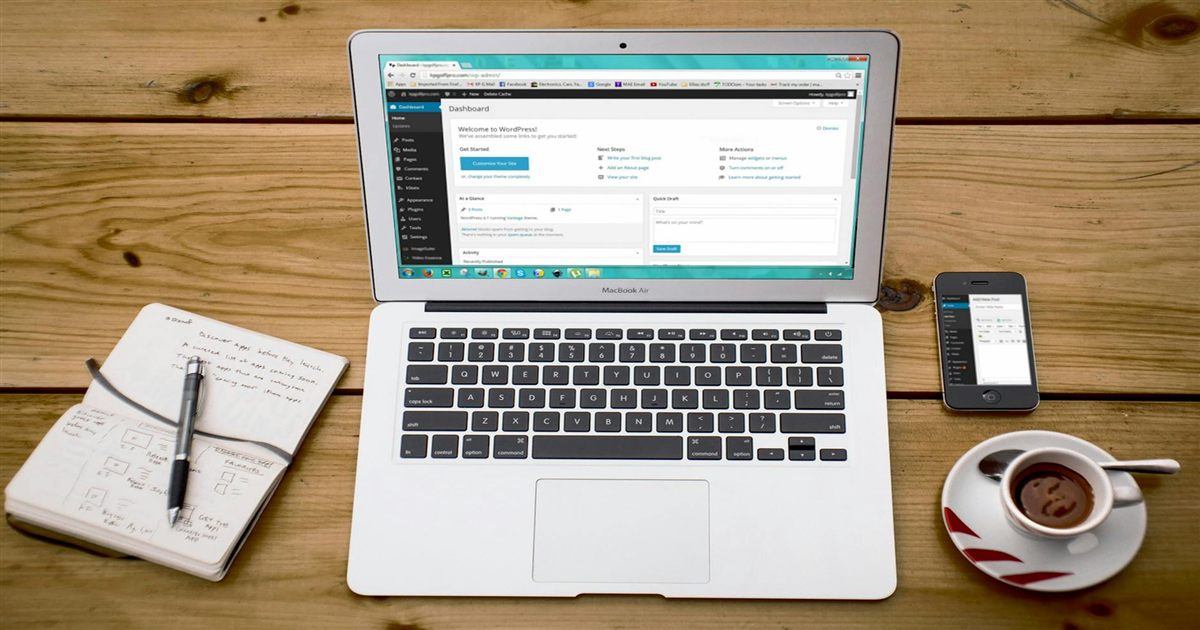

I handed over a fully built site. Recorded a tutorial walking the client through every feature. Gave them written documentation covering the common tasks they would need. Told them to contact me if anything broke. Then they ghosted me — with half the payment still unpaid.
That was my introduction to the client handoff problem. You deliver everything they asked for, go above and beyond on documentation and training, and they disappear the moment the site is live. No feedback. No final payment. Just silence and a project folder with a remaining invoice that will never be paid.
I still give every client access to a tutorial when I hand off a site. I still tell them to contact me if something breaks. But I learned to protect myself before the handoff, not after.
What a Handoff Actually Includes
When I deliver a WordPress site, the client gets: login credentials that they can reset themselves, a video screen recording showing how to do the specific tasks they need (adding a product, updating a phone number, publishing a blog post), written step-by-step instructions for the three or four things they will do most often, and my contact information with a clear scope of what post-launch support covers — genuine bugs and breaks that are my fault, not new features or content entry.
I used to think the handoff was the end of the relationship. It is actually the beginning of the referral. A client who feels equipped and supported after launch is a client who recommends you to their business owner friends. A client who feels abandoned after paying a significant amount is a client who posts in local Facebook groups warning others about you, even if the abandonment was their own failure to read the documentation.
The tutorial is the most important piece. Most clients do not know how to use WordPress. They bought a website because they needed an online presence, not because they wanted to learn a CMS. A ten-minute walkthrough of their specific admin panel — not a generic YouTube tutorial — saves me hours of support calls and saves them hours of frustration. I record it once using OBS, host it unlisted on YouTube, and share the link. If they lose it, I have the link saved and can resend it in seconds.
The Payment Timing Change
The ghosting taught me a hard lesson about when to hand over access. I now collect the final installment before sharing admin credentials. The site can be live and publicly viewable — the client can verify the frontend works, check the designs, show it to their partners. But the WordPress admin password stays with me until the payment clears. Screen-share training is fine. Permanent access is not.
Some clients push back. “I need to log in and test things.” My response is simple: test the public site. If something is broken, I will fix it immediately. But the admin credentials are the final delivery, and final delivery requires final payment. This boundary has cost me a few projects. It has also saved me from several clients who would have done exactly what that first ghost did.
I also changed my upfront payment structure. Not a rigid 50% every time — sometimes 30% for smaller projects under 50,000 DA, sometimes 60% for larger builds. The percentage depends on the client’s history and the project’s complexity. But zero upfront is off the table completely. A client who refuses to put money down on day one is a client who will find a reason not to pay on delivery day.
Handling Post-Launch Issues
The “contact me if anything is broken” offer is real, but I scope it carefully. If the client installs a plugin that conflicts with the theme and breaks the layout, that is not a bug — that is a self-inflicted problem. If they edit PHP files through the theme editor and get a white screen, that is not covered by post-launch support. I will quote it as a separate task at my hourly rate.
If something I built genuinely breaks — a form stops submitting, a layout breaks on a browser update, a plugin I configured conflicts with a WordPress core update — I fix it within the support window specified in the contract. Usually thirty days from launch. After that, I offer a monthly maintenance retainer or hourly support. Most clients choose the retainer after they realize how often WordPress updates break things.
The tutorial helps here too. If they break something obvious and I already showed them how to avoid it, I point them back to the video at the specific timestamp. That is not avoiding support — it is respecting my time and encouraging them to develop some basic familiarity with their own website. Most clients prefer to fix it themselves if they have clear instructions.
My Take
A good handoff does not guarantee payment, but it minimizes disputes and sets clear expectations. When the client has documentation, a walkthrough video, and a written scope of what post-launch support covers, there is less room for “you did not tell me that” after the fact. The handoff is your last opportunity to shape the client’s perception of the project. A well-executed handoff leaves them feeling competent and confident. A rushed one leaves them feeling abandoned — and that is when the support requests start flooding in.
Always secure payment before handing over credentials. A client who ghosts after the site is live is not a client who will come back. Better to lose the project at the handoff stage than to lose the project plus a month of unpaid work. That 50% deposit makes the ghosting hurt less — they paid for half of what they received, and I walk away with something for my time instead of nothing.
For protecting yourself with employers, see Fired for Freelancing: What Happens When You Outgrow the Template Shop.